
BC.Game Payment Methods: Deposits and Withdrawals in Crypto and EUR
BC.Game offers over 100 cryptocurrencies, including Bitcoin, Ethereum, USDT, Litecoin, DOGE, TRX, BNB, SOL, and BCD. Users can make EUR deposits and withdrawals using cards, e-wallets, or local payment partners. BC Swap allows users to convert one coin to another without leaving the cashier. Vault Pro enables players to earn interest on stored balances and is beneficial for active accounts.
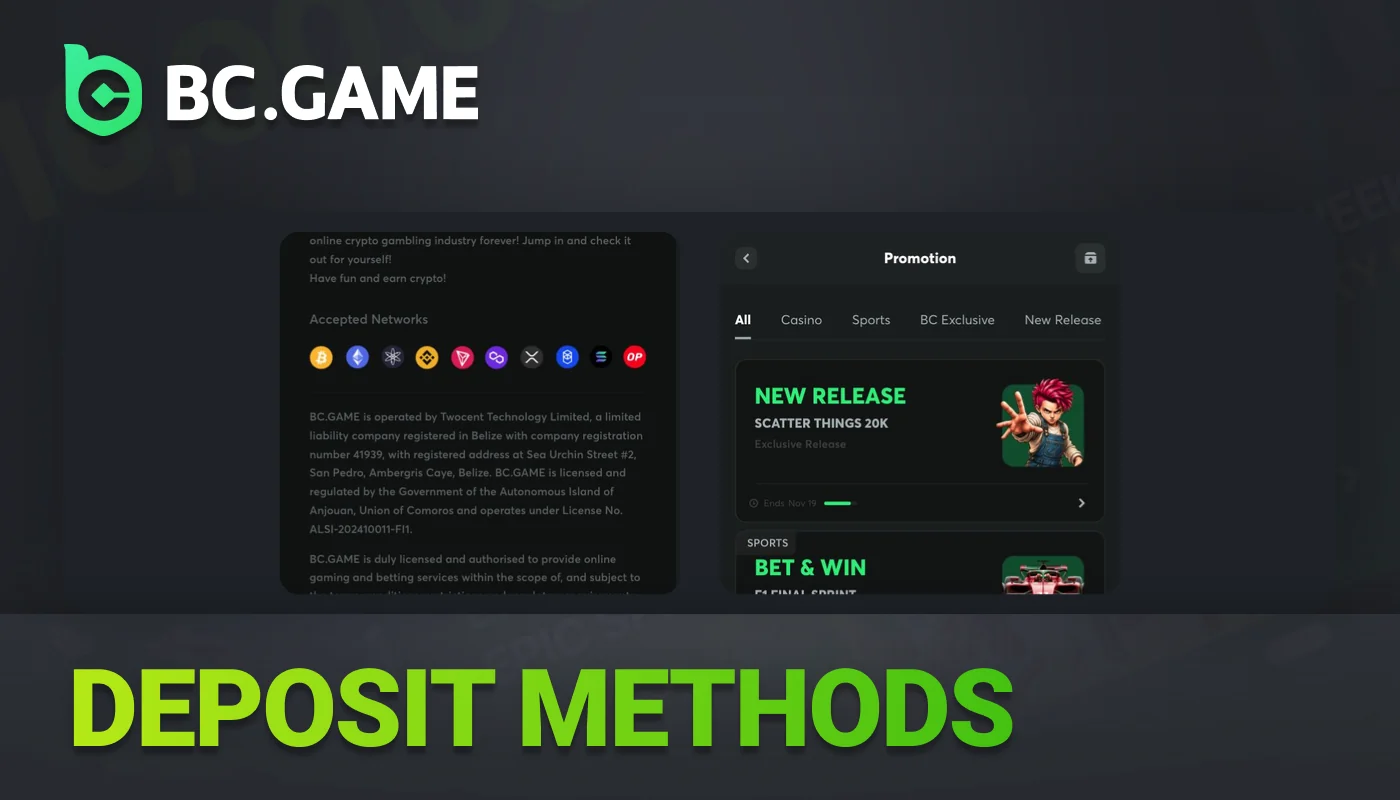
BC.Game Deposit Methods for Crypto and EUR Cards
Users can add funds to BC.Game with cryptocurrency, e-wallets, or EUR cards. The site accepts all three methods for making deposits.
| Method Type | Deposit Available | Withdrawal Available | Currencies Supported | Fees | Limits |
|---|---|---|---|---|---|
| Crypto (100+ coins) | Yes | Yes | BTC ETH USDT LTC DOGE TRX BNB SOL BCD and more | Zero or minimal | Vary by coin |
| EUR Debit/Credit Cards | Yes | Yes | EUR | Card issuer fees apply | Standard minimums apply |
| E-wallets | Yes | Yes | EUR | Vary by provider | Standard minimums apply |
How to Make a Deposit on BC.Game Step by Step
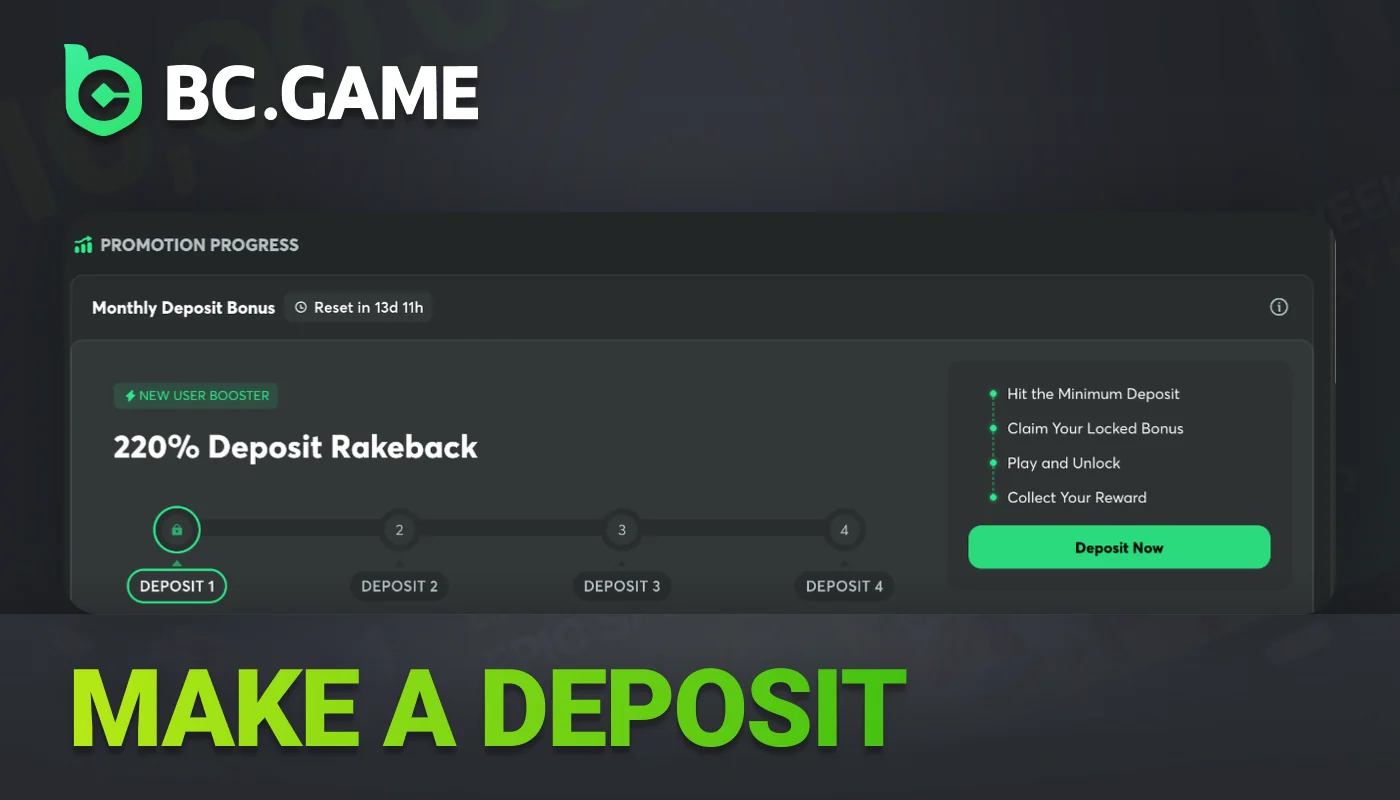
Money can be added through the desktop site or the mobile app. The cashier accepts deposits in more than 100 cryptocurrencies. Some users choose to deposit in EUR, which is compatible with cards and e-wallets. Minimum deposits are necessary to claim bonuses. A deposit of at least €10 unlocks the first bonus. The second bonus is available with a €50 deposit. Depositing €100 qualifies for the third bonus. The fourth bonus is offered when you deposit €200.
- 1
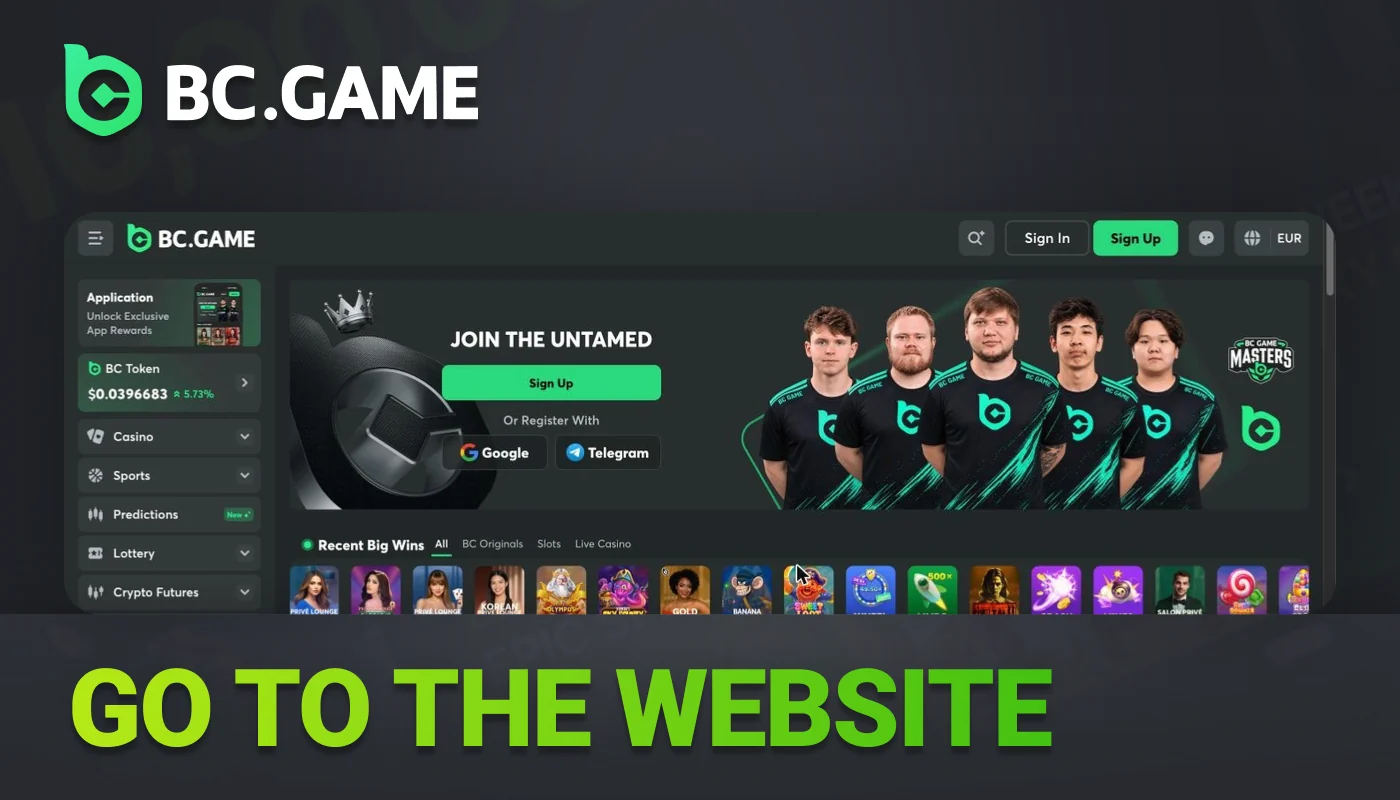
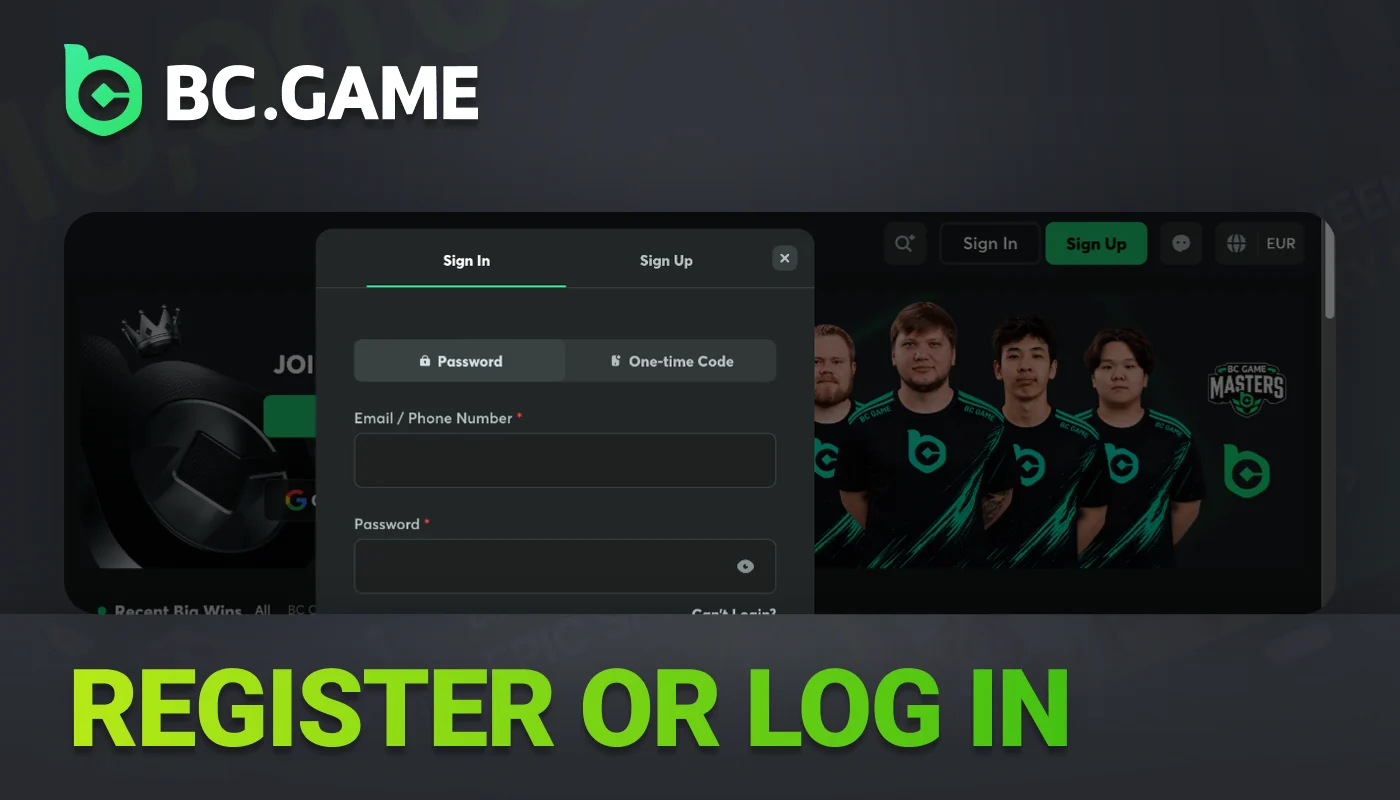
Sign in, then open BC.Game.
- 2
Open the cashier. Go to the menu and select the Deposit tab.
- 3
Options for currency include Bitcoin, USDT, ETH, or EUR. EUR can be used for payment by card or e-wallet.
- 4
Enter the amount you want to deposit. Type the specific value in the field.
- 5
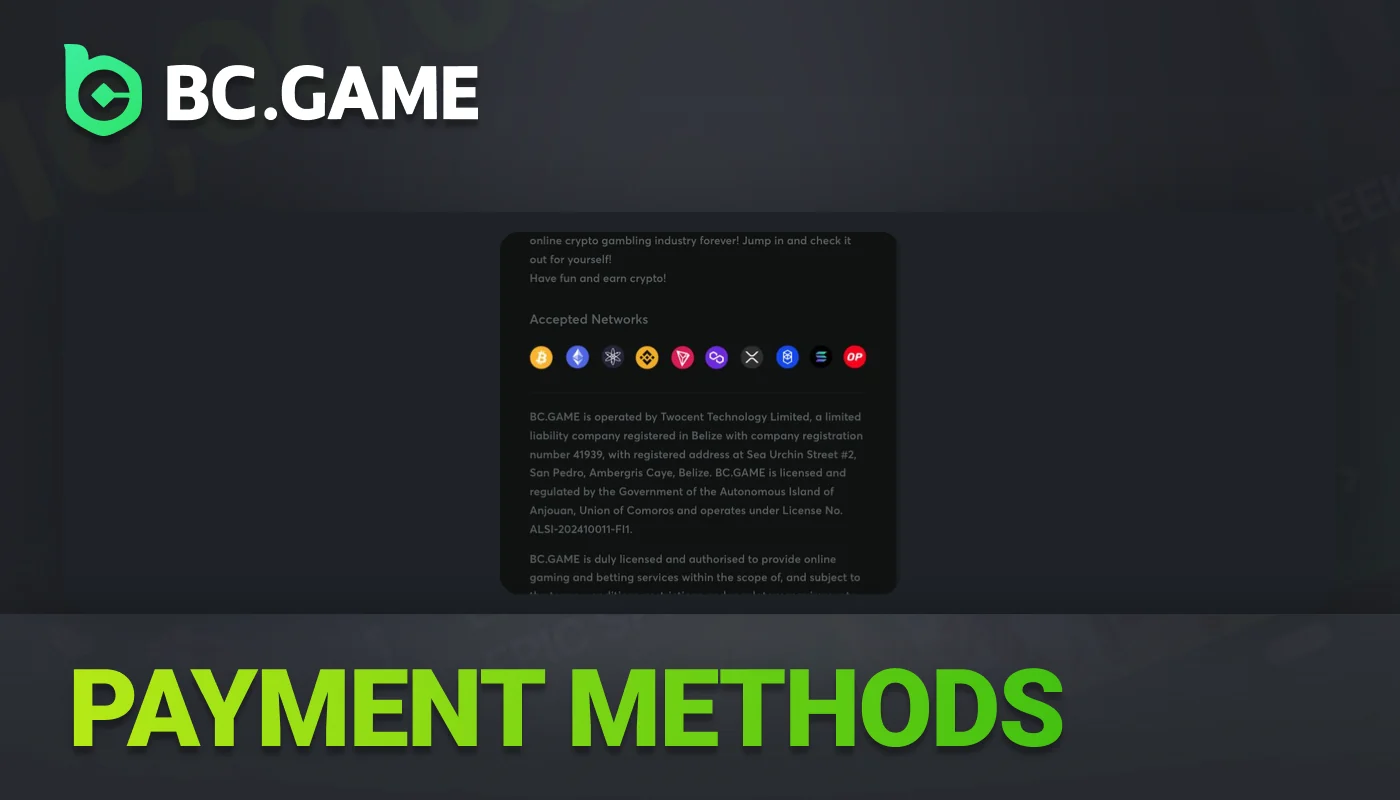
Copy or redirect the address as needed. Use the wallet address when handling cryptocurrency. For EUR transactions, complete the redirect form.
- 6
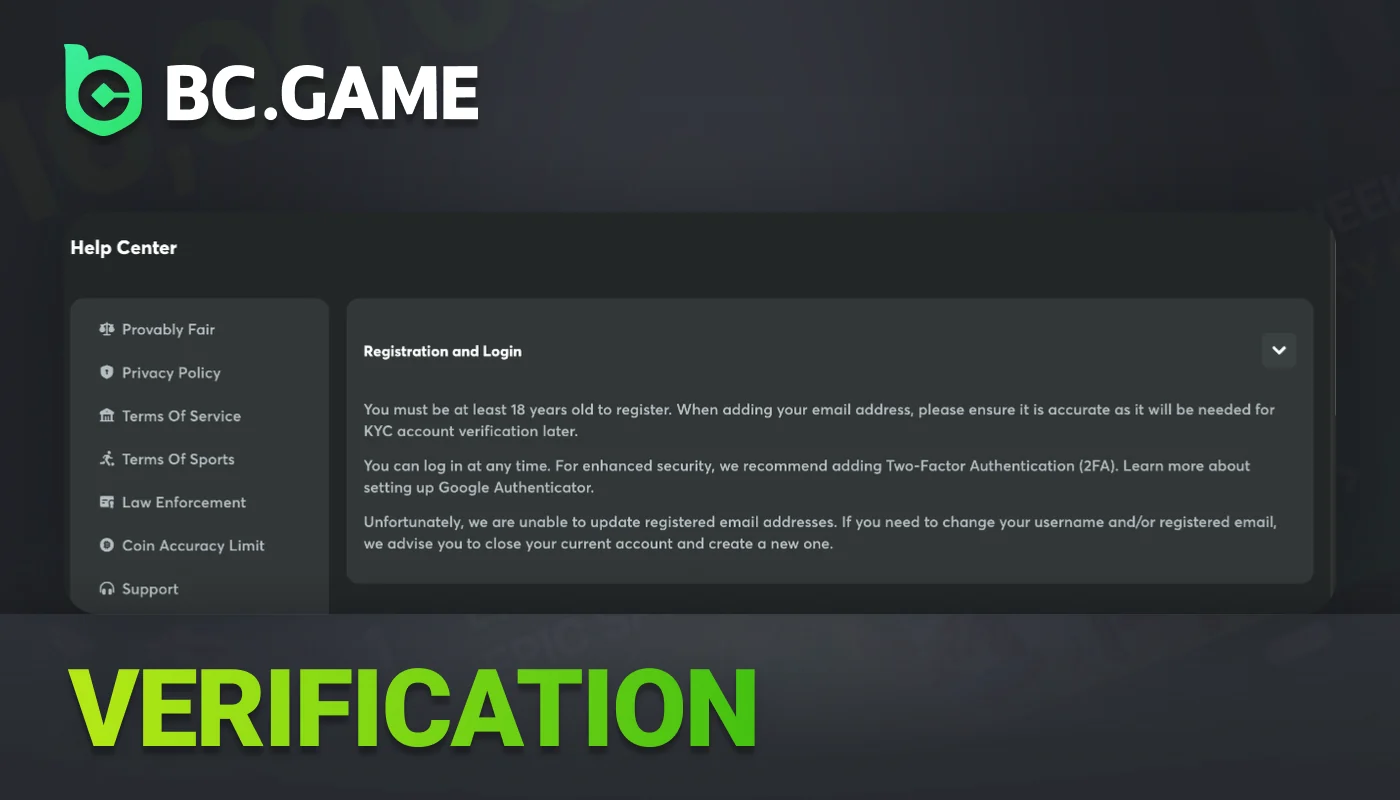
Submit identity documents in the Verification section and fulfill all required KYC steps.
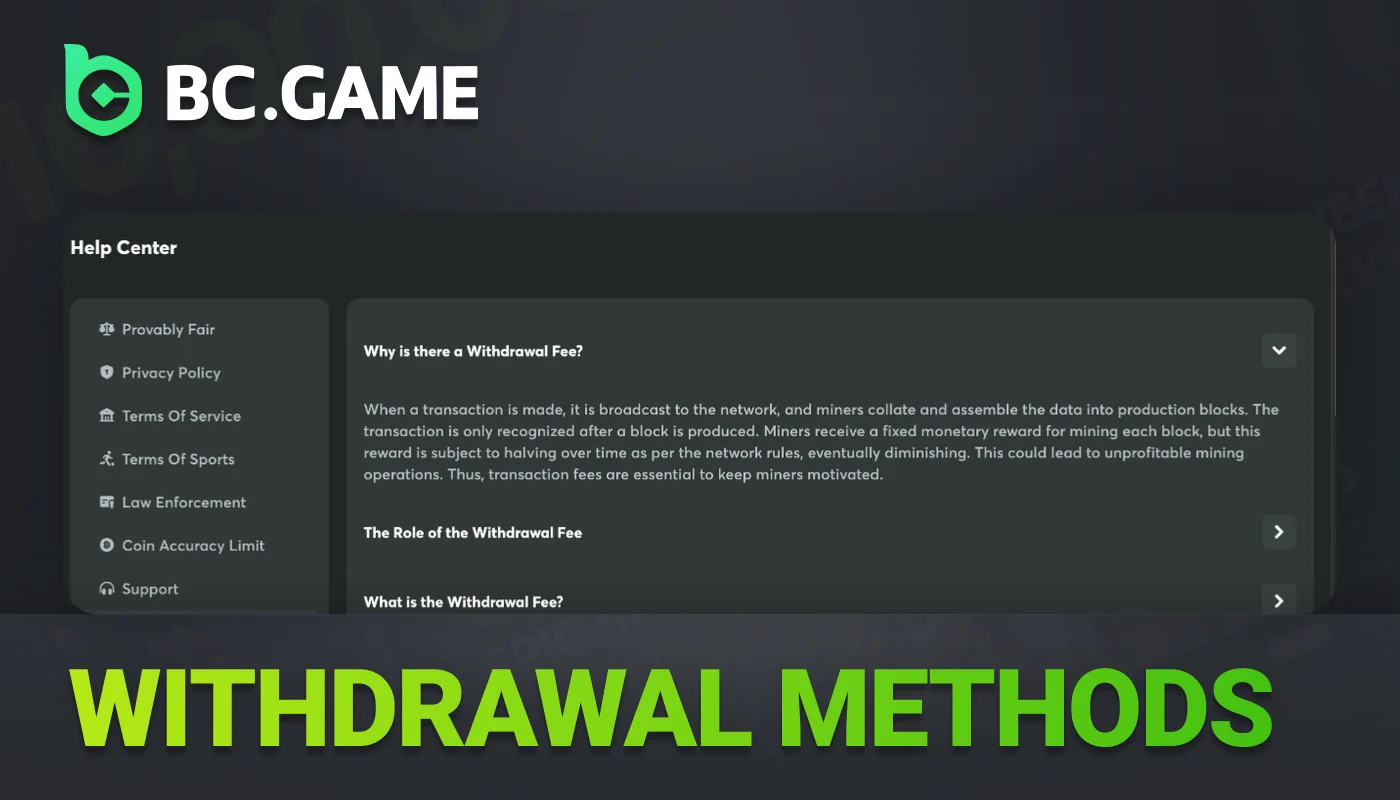
BC.Game Withdrawal Methods for Crypto and EUR Payouts
Players may withdraw funds in cryptocurrency or EUR. If they choose EUR, they can select cards, e-wallets, or payment partners. For cryptocurrency withdrawals, options include Bitcoin, Ethereum, USDT, Litecoin, DOGE, TRX, BNB, SOL, and over 100 additional coins.
The site sets different minimum withdrawal amounts for each asset. Each cryptocurrency and the EUR option have a separate maximum payout limit.
Players need to complete all bonus wagering before requesting a withdrawal. The site requires KYC verification whenever a withdrawal is made. Gold, Platinum, and Diamond level VIP Club members do not pay withdrawal fees due to their rank benefits.

How to Withdraw Money from BC.Game Account
To withdraw funds from a BC game account, start by opening the cashier. Follow the instructions for each step and finish the process to transfer the money.

Open the BC.Game cashier, then click the Withdraw tab.

Pick how you want to pay. Use Bitcoin, USDT, ETH, or choose from over 100 cryptocurrencies. You can also pay by card or e-wallet in euro.

Type the amount to withdraw. Withdrawal can be in EUR or crypto. Paste your wallet address or card details.

Review all details carefully. Confirm that the request is accurate. Once everything is correct, submit the withdrawal form.

Take out any bonuses, as BCD wagering rules require. Once the funds are released, submit your withdrawal request.

Send in the needed identity documents and pass KYC verification to unlock withdrawal access.
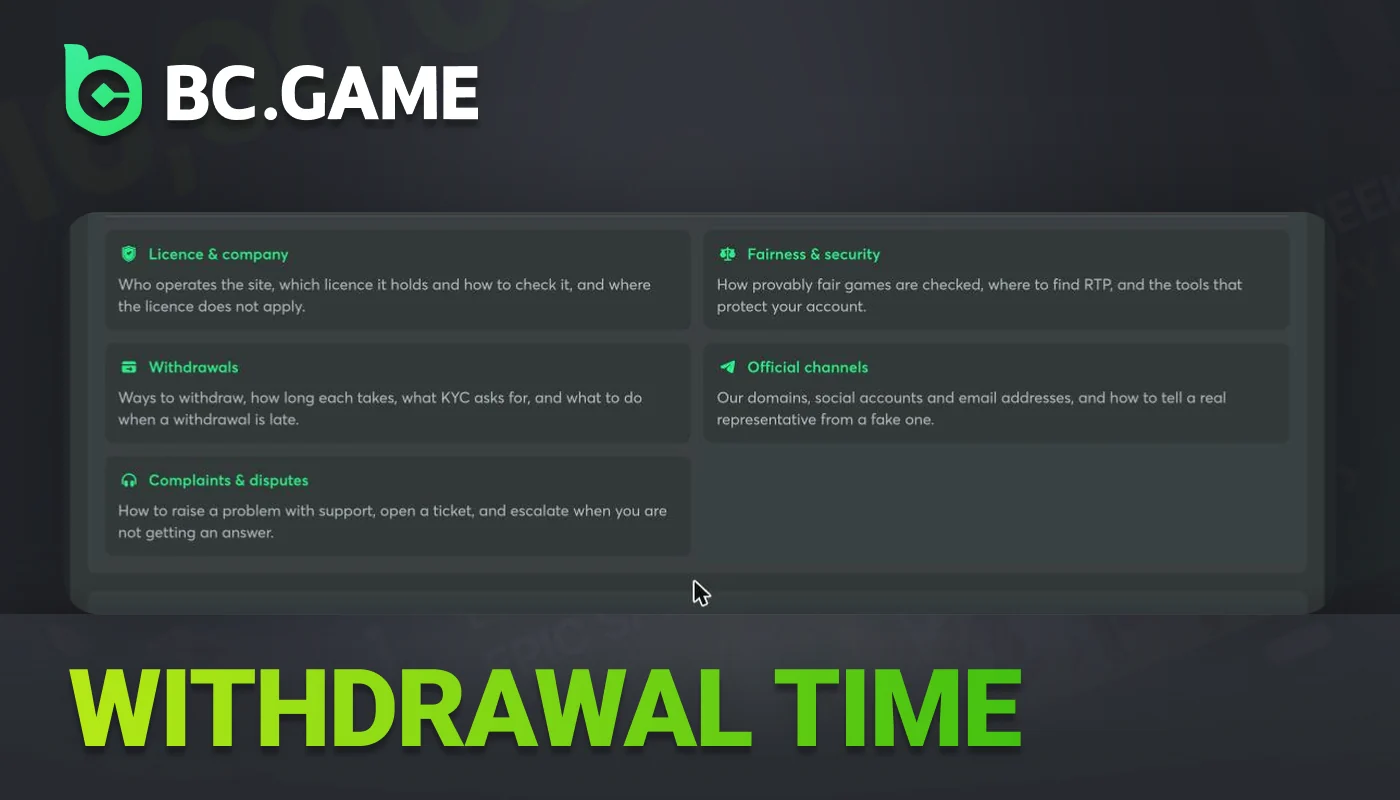
BC.Game Withdrawal Time for Crypto and EUR
How fast someone can withdraw funds at BC.Game depends on their account status and the payment method they use. Crypto transfers can go through, but sometimes blockchains need time to confirm transactions. When people withdraw EUR to cards or e-wallets, staff at BC.Game must complete more internal steps. These steps can slow things down.
Several factors influence withdrawal time. Account verification is important. When an account is not verified, staff must spend additional time reviewing the user's details. VIP rank also affects withdrawal speed. Requests from VIP Club members receive priority processing, and these members are not charged withdrawal fees.
Withdrawal times vary by payment method and may increase due to internal review queues. Estimates depend on network load and queue volume. Players should check the cashier section for current processing times and submit withdrawal requests after reviewing these processing times.
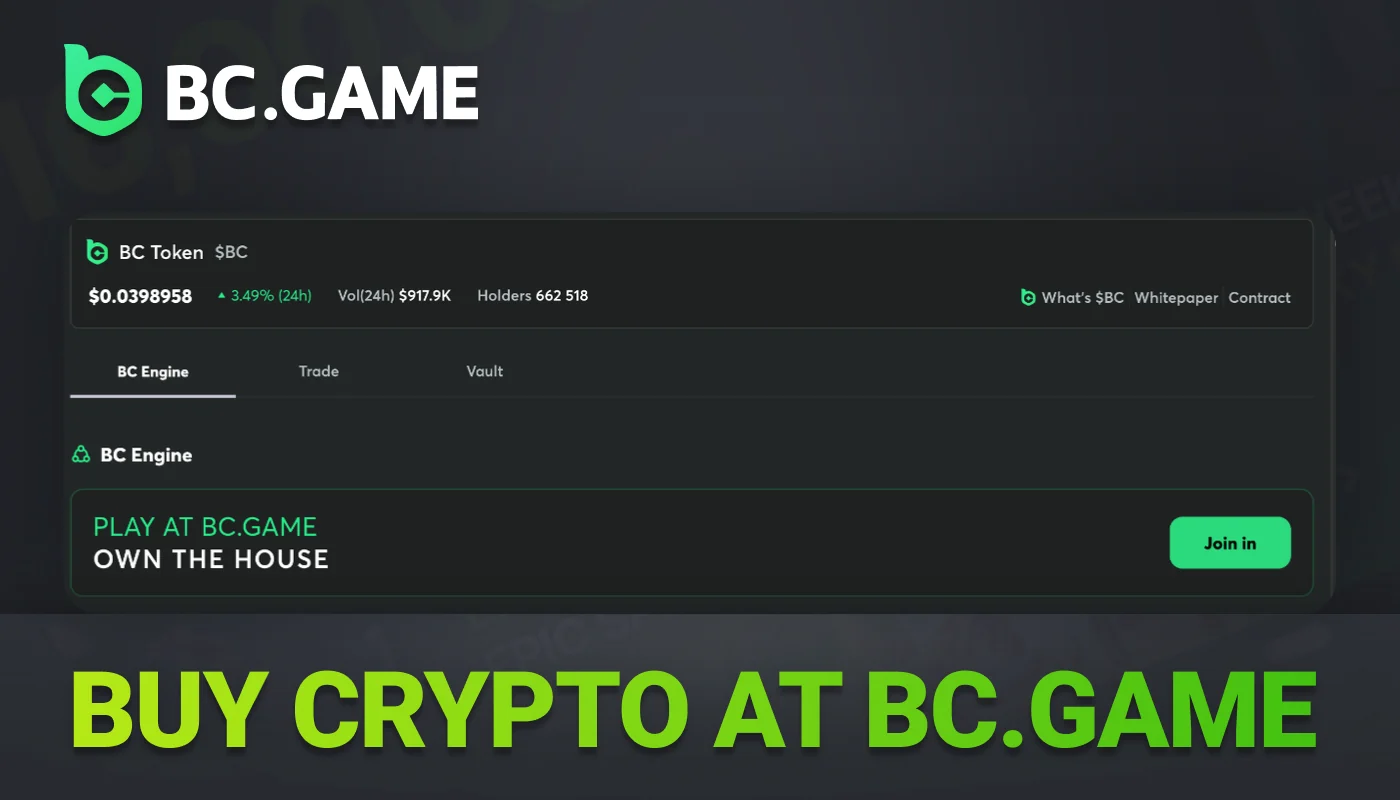
How to Buy Crypto Directly at BC.Game Cashier
Users can buy cryptocurrency at the cashier and remain on the website while adding funds to their account.
Open the cashier, select Deposit, then access the account dashboard.
Select Buy Crypto. Open the Buy Crypto tab in the deposit options.
Pick a provider from the list on the screen. Choose a card or an e-wallet, then make your selection.
Enter the amount in EUR or enter the amount in the target coin.
Go through the provider's checkout steps and confirm the transaction to finish the payment.
Check the balance, then review the wallet to see if the purchased coins appear.
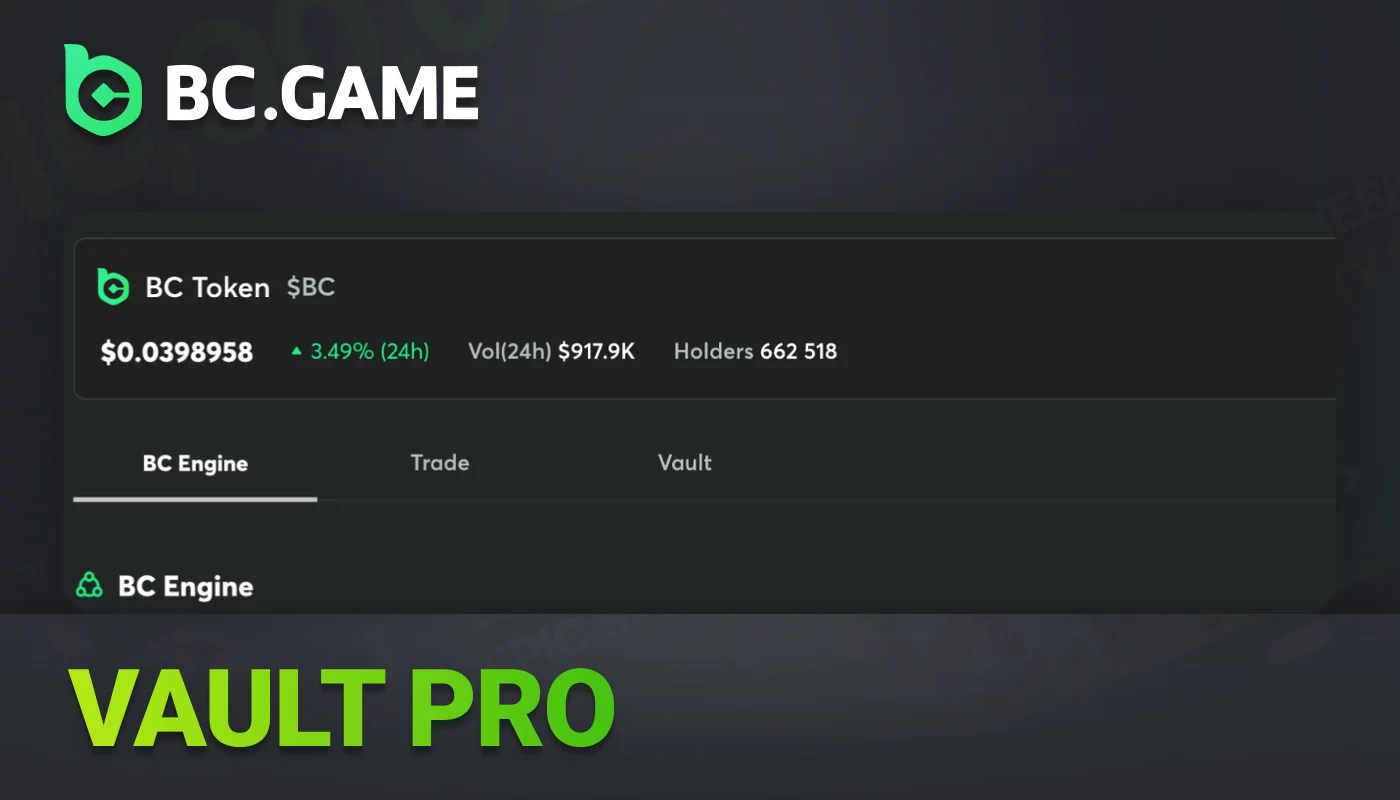
Vault Pro – Earn Interest on BC.Game Balance
Vault Pro is a feature in BC.Game where players can store crypto or BCD and earn interest based on the amount held in Vault Pro. After depositing funds, the balance remains active in the vault. Players can access their Vault Pro funds at any time, transfer money to the main balance, use the funds to place bets, or withdraw funds without waiting.
FAQ
Can I deposit and withdraw in the BC.Game app?
Users can deposit or withdraw funds through the Android APK or the iOS web app. A cashier processes each transaction. The site supports every BC.Game payment method.
Which coins does BC.Game accept for payments?
A BC Game account can be funded with Bitcoin, Ethereum, USDT, Litecoin, DOGE, TRX, BNB, SOL, or BCD tokens. The site also accepts more than 100 different cryptocurrencies.
Can I top up my BC.Game balance with an NFT?
To make a standard deposit, a user must send a supported cryptocurrency from a personal wallet to the BC.Game cashier address. NFTs are not a direct top-up option.